
Cirki
Launch Any App with One Shortcut
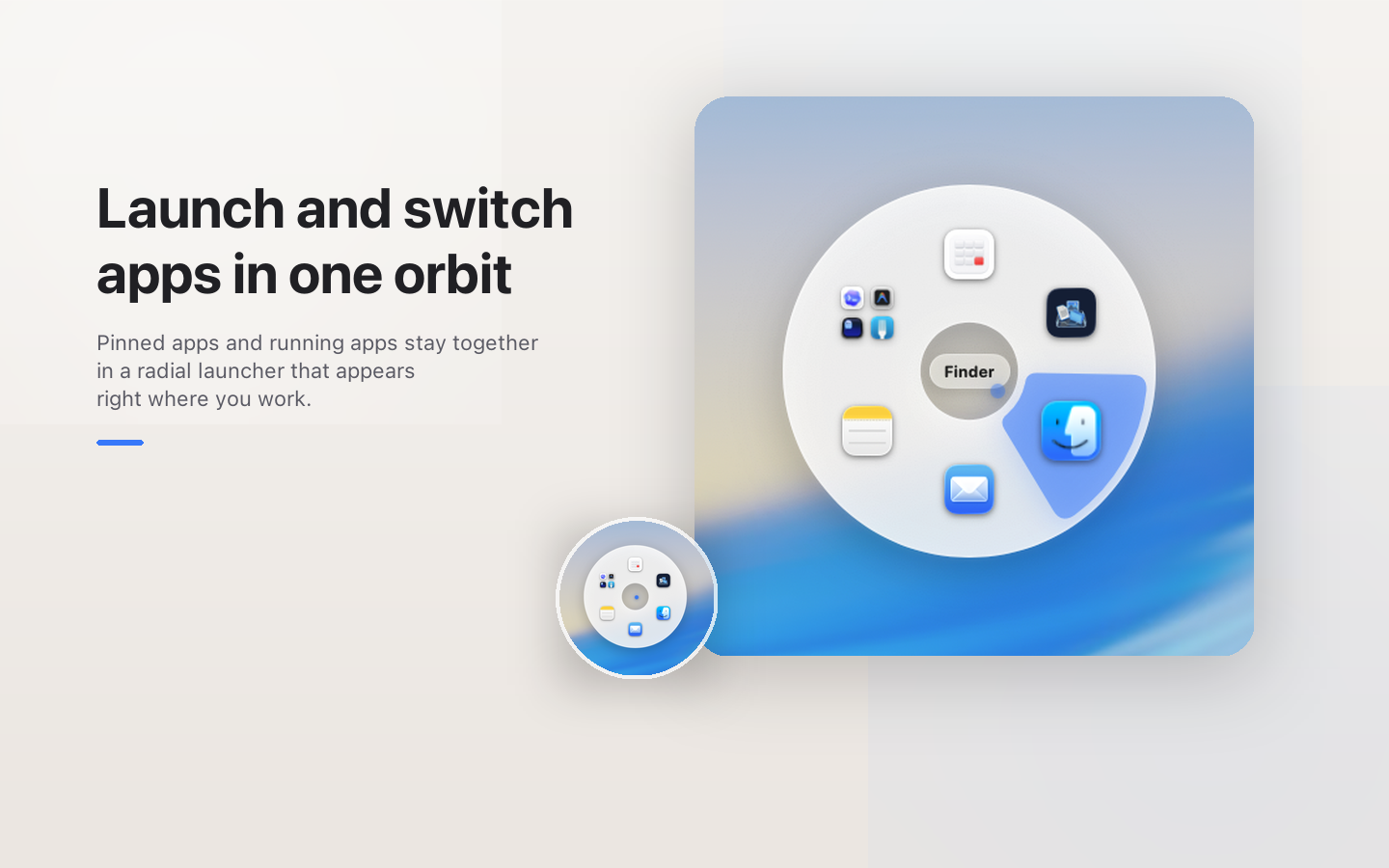
Cirki is a macOS launcher that pops up a circular menu right at your cursor so you can switch to any app instantly, with a single shortcut. Press Option+Tab from anywhere, pick your app, and go.
Key Features
One Shortcut, From Anywhere
Press your shortcut (default: Option+Tab) in any app and a circular menu appears right where your cursor is.
Circular Menu, Built for Speed
Apps arranged evenly around the cursor — every direction is one move away. Press 1–9 to launch without touching the mouse.
Organized Your Way
Pin your favorite apps and Cirki fills the rest with recently used apps. Group related apps and expand them in a fan with a single click.
Shortcut Menu for Every App
A separate circular menu (Control+Tab) shows keyboard shortcuts tailored to whatever app is in focus, switching automatically as you work.
Search, Instantly
Start typing while the menu is open and Spotlight or Raycast launches right away — no extra steps needed.
Release to Launch
Hold your shortcut, hover over an app, then let go. The moment your fingers leave the keyboard, the app launches.
Screenshots
Screenshot 1 / 4